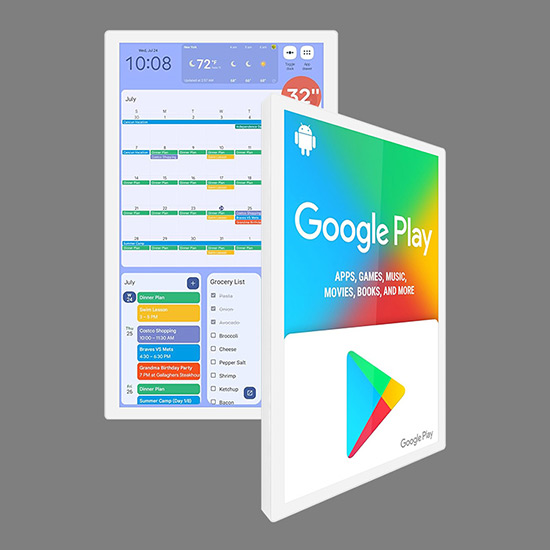
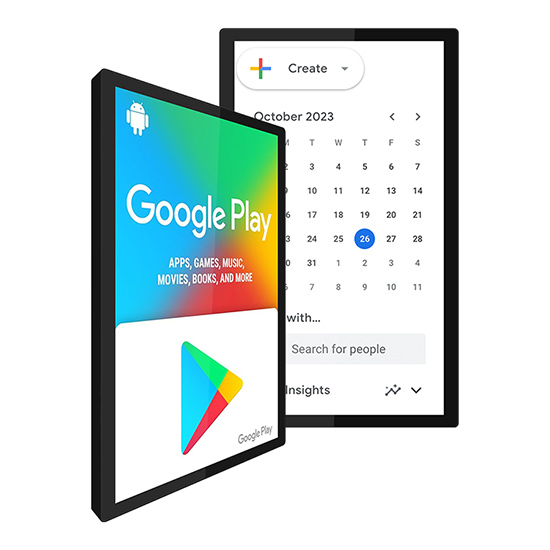
This 18.5-inch touch screen digital Google Calendar screen is an ideal choice for modern homes, offices and conference rooms. It integrates the touch screen and Google Calendar seamlessly, helping users to quickly view, edit and synchronize schedules, improving efficiency while making schedule management more intelligent and intuitive.
1. High-definition display, smooth touch
High-definition 1080P resolution: The screen display is clear and delicate, with perfect details, supporting efficient readability around the clock.
Multi-point capacitive touch: The touch is sensitive, and you can complete calendar operations with a tap of your finger, quickly drag and drop events, and switch dates.
Widescreen ratio design: A wider display area makes it easy to view multiple schedules and notes at the same time.
2. Seamless synchronization with Google Calendar
Smart calendar display supports Google Calendar account login to achieve multi-device calendar synchronization without manual updates.
Real-time update: Modify events, add reminders, etc. and take effect immediately to avoid missing important matters.
Touchscreen calendar display supports shared calendar function, which is convenient for teams and family members to share schedules.
3. Multi-functional smart screen
Schedule reminder: Through visual and sound notifications, ensure that you will not miss any meetings, activities or appointments.
Voice control support (optional): Integrate with Google Assistant to add and query schedules by voice.
Multi-language support: Calendar tablet support up to 20 languages to meet the needs of global users.
4. Exquisite design, improve space quality
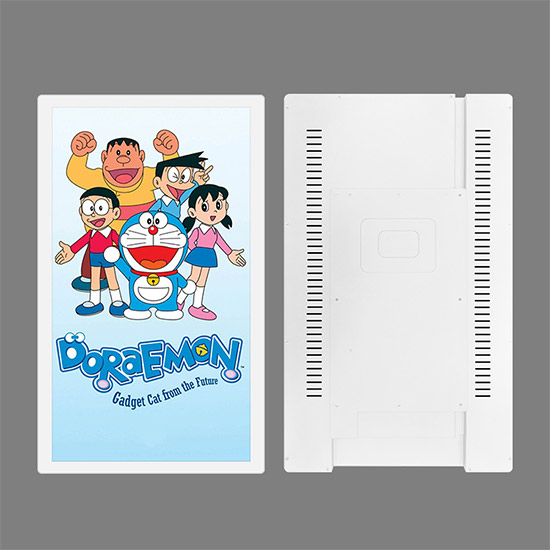
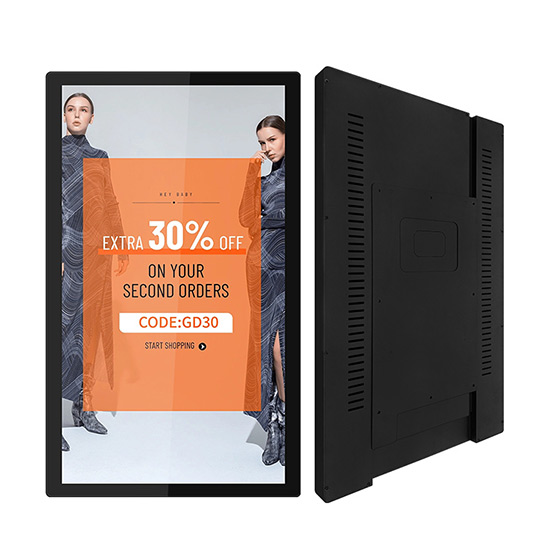
18.5-inch golden size: flat back design, suitable for wall installation, no gap and no space waste, providing a large enough display area.
Ultra-thin shell: elegant and stylish, metal shell and anti-fingerprint glass panel, improve the overall texture.
5. Efficient performance and reliable operation
Operating system support: the smart built-in Android system to ensure compatibility and flexible expansion.
Network connection: support Wi-Fi and Ethernet, to ensure fast synchronization and remote update.
Low power design: energy-saving and environmentally friendly, suitable for long-term continuous use.
FAQ
What are the main functions of this smart calendar tablet?
Our touchscreen calendar is a hardware with Android system and Google Play Store pre-installed. You can download and install various calendar applications such as Google Calendar and Microsoft Outlook through Google Play to achieve the following functions:
Calendar management and schedule reminders
Weather forecast display
Family photo carousel
Other application functions you need
How to install the calendar display ?
The installation is very simple:
The package contains a wall mount and mounting screws
Can be fixed on the wall or placed on the desktop
Supports free switching between horizontal and vertical screens
Can other types of applications be installed ?
Yes ! In addition to the calendar app, you can also download the following through Google Play:
Weather forecast app
Smart home control app
Streaming apps (such as Netflix, YouTube)
Office software, etc.
How do I clean the screen ?
Wipe gently with a microfiber cloth ,
Avoid using alcohol or chemical cleaners.


